
All help topics
Help topics
- Getting Started
- Sales & POS
- Products & Inventory
- Purchases & Suppliers
- Customers
- Staff & Permissions
- Reports
- Branches
- Hardware
- Payments
- Settings
- Troubleshooting
- Billing & Subscription
- Workshop
- Training
- Sales Agents
- Laundry
- Accounting
- HR & Payroll
- Hotel
- Services
- Communication Center
- Online Store
- CRM
- Restaurant
- F&B Manager
- Production
- Projects
- Asset Management
- All topics
On this page
How to Use Quick Reports
Quick Reports are one-click reports for the questions you ask every day: sales, your orders, deliveries, product and staff performance, profit and loss, debtors, supplier payments, stock alerts, stock, reconciliation, dead stock, top customers, payments and delivery revenue. Choose the period and location and click Apply Filters.
Every Quick Report works the same way: open it, choose the Period and the Location, and click Apply Filters. Most have Export to Excel.
Which report answers which question
- Sales Report: how much did we sell? See How to View Your Sales Report.
- My Orders: the sales you made yourself.
- All Deliveries and Delivery Revenue: what went out for delivery, and the delivery charges collected for the rider (kept out of your sales).
- Product Performance: what sells, what does not, and what each earns.
- Staff Performance: sales by each member of staff.
- My P & L: profit and loss for the period in plain terms.
- Debtors List: who owes you, and how much.
- Supplier Payments: what you paid suppliers and what you still owe.
- Stock Alerts, Dead Stock: see How to Find Low, Dead and Expired Stock.
- Stock Report: what you hold and what it is worth.
- Stock Reconciliation: see How to Use the Stock Reconciliation Report.
- Top Customers: your best customers by spend.
- Payment Report: money received, by method: cash, MoMo, bank.
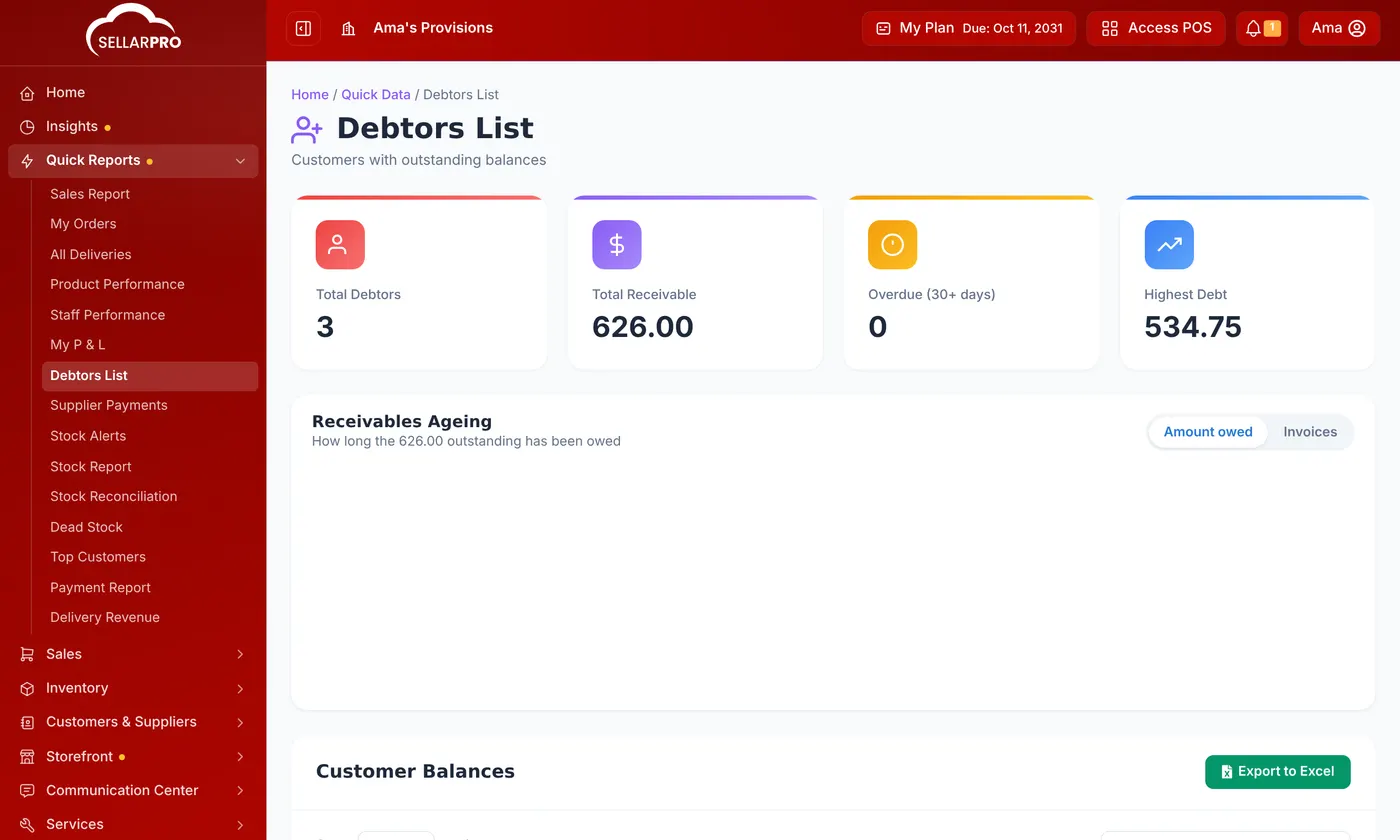
Quick Reports show only the branches you have access to. "All Locations" means all of yours.
For detailed accounting reports, such as profit by product, tax or stock adjustments, use the Reports menu.
Was this article helpful?
Thanks — your answer helps us improve this article.
Still need help?
Can’t find the answer you’re looking for? Our support team in Accra can help.