
All help topics
Help topics
- Getting Started
- Sales & POS
- Products & Inventory
- Purchases & Suppliers
- Customers
- Staff & Permissions
- Reports
- Branches
- Hardware
- Payments
- Settings
- Troubleshooting
- Billing & Subscription
- Workshop
- Training
- Sales Agents
- Laundry
- Accounting
- HR & Payroll
- Hotel
- Services
- Communication Center
- Online Store
- CRM
- Restaurant
- F&B Manager
- Production
- Projects
- Asset Management
- All topics
On this page
How to Use the Stock Reconciliation Report
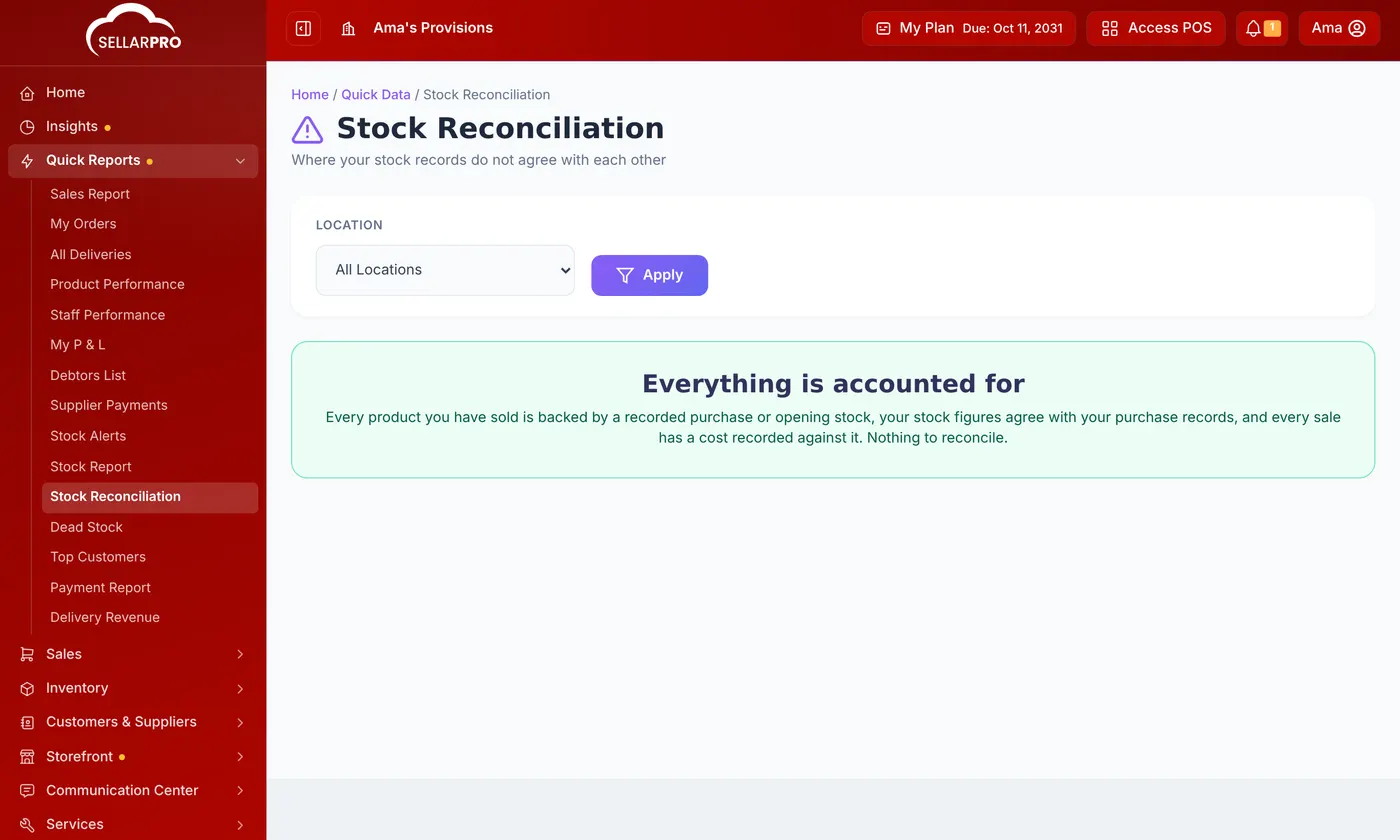
Quick Reports → Stock Reconciliation lists where your stock records disagree: products sold without a recorded purchase, stock figures that differ from your purchase records, and sales with no cost. Record the missing purchases it lists, and your stock and profit figures become right.
Profit is only right if every item sold has a recorded cost, and stock is only right if every item sold was first bought or counted in. Stock Reconciliation finds the places where that is not so.
Steps
- Open Quick Reports → Stock Reconciliation.
- Choose the Location, or All Locations, and click Apply.
- If it says Everything is accounted for, there is nothing to do.
What it can list, and what to do
Inventory reconciliation required
Units sold that are not supported by recorded purchases. This usually means stock arrived and was sold before the purchase was entered, not that anything is missing from your shop. Each product shows what was Sold, the Recorded Purchases and what is Missing. Click Record Missing Purchases and enter them.
Stock figures that disagree with your purchase records
The stock report shows one number and the till another. The till only sells what your purchase records account for, so a cashier may be told there is no stock when the report shows some. Record the missing purchase or opening stock, or reconcile the gap under Bulk Opening Stock.
Units sold without a cost
Sales whose cost was never recorded, so they count as all profit. Add the purchase or the product's cost.
Was this article helpful?
Thanks — your answer helps us improve this article.
Still need help?
Can’t find the answer you’re looking for? Our support team in Accra can help.