
All help topics
Help topics
- Getting Started
- Sales & POS
- Products & Inventory
- Purchases & Suppliers
- Customers
- Staff & Permissions
- Reports
- Branches
- Hardware
- Payments
- Settings
- Troubleshooting
- Billing & Subscription
- Workshop
- Training
- Sales Agents
- Laundry
- Accounting
- HR & Payroll
- Hotel
- Services
- Communication Center
- Online Store
- CRM
- Restaurant
- F&B Manager
- Production
- Projects
- Asset Management
- All topics
On this page
Why Stock in SellarPro Does Not Match the Shelf
Check the branch, then the product's stock history to see every movement. Common causes: stock sold before its purchase was entered, a transfer still in transit, a sale or purchase entered twice, or breakage never recorded. Quick Reports → Stock Reconciliation lists what needs fixing.
When the count on the shelf and the count in SellarPro differ, the history tells you why. Work through these before you adjust anything.
1. Are you looking at the right branch?
Stock is held per branch. Check the location filter on the stock report or product list.
2. Read the product's stock history
Open Inventory → Products, open the product's Actions and choose Product stock history. Every sale, purchase, transfer, adjustment and stock take is listed with its quantity and the running total. Look for anything you did not expect.
3. Check the usual causes
- Stock sold before its purchase was entered. Record the purchase.
- A transfer still In Transit. It has left one branch and not yet arrived at the other until it is approved.
- A purchase still Pending or Ordered. Only a Received purchase adds stock.
- Something entered twice: a purchase, or a sale saved twice. Delete the duplicate.
- Breakage, expiry or theft never recorded. Record it as a stock adjustment.
4. Let SellarPro look for you
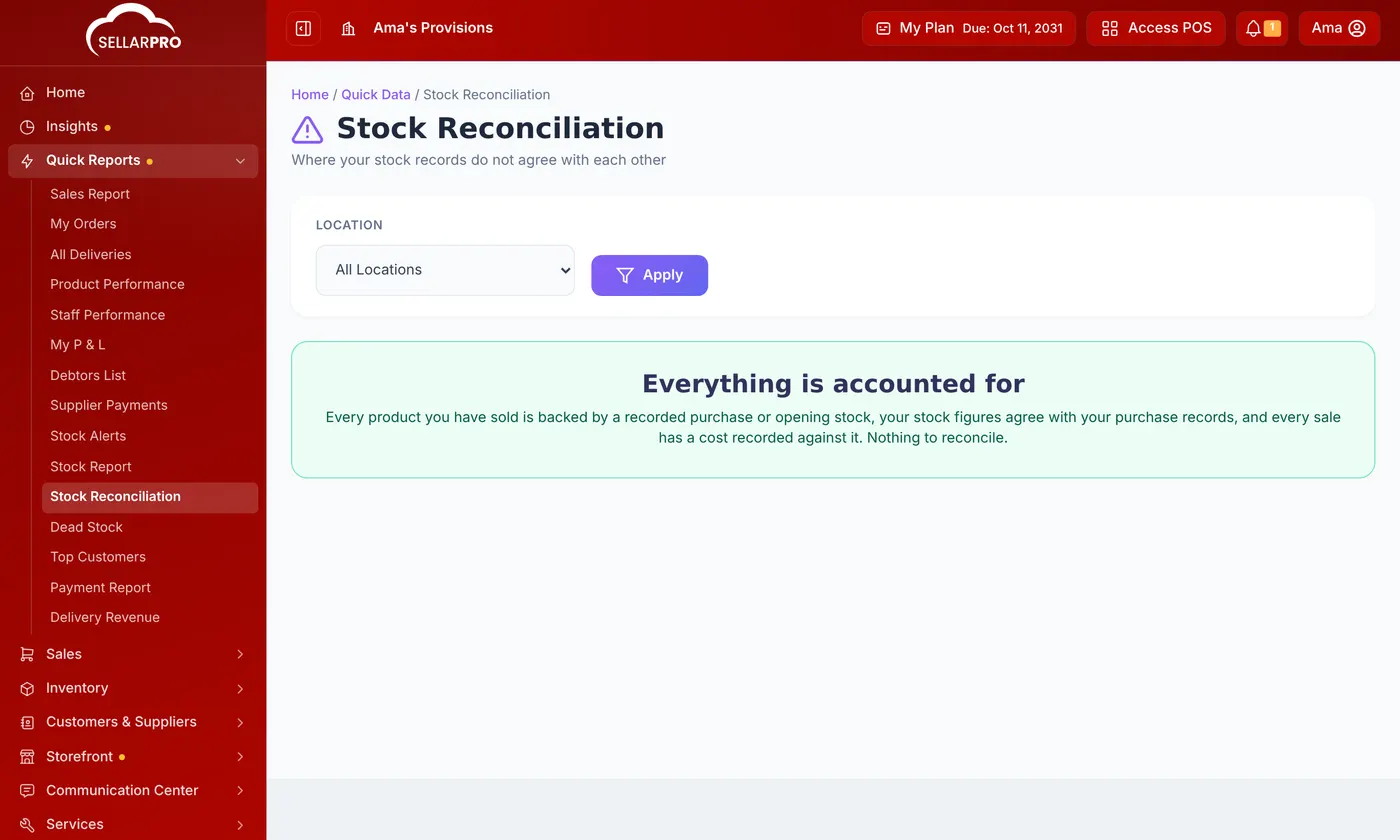
Open Quick Reports → Stock Reconciliation. It lists products sold without a recorded purchase, stock figures that disagree with your purchase records, and sales with no cost.
5. Then correct the count
Once you know why, do a stock take or a stock adjustment to set the real figure. See How to Do a Stock Take.
Common questions
The POS says no stock, but the report shows some.
Was this article helpful?
Thanks — your answer helps us improve this article.
Still need help?
Can’t find the answer you’re looking for? Our support team in Accra can help.