
All help topics
Help topics
- Getting Started
- Sales & POS
- Products & Inventory
- Purchases & Suppliers
- Customers
- Staff & Permissions
- Reports
- Branches
- Hardware
- Payments
- Settings
- Troubleshooting
- Billing & Subscription
- Workshop
- Training
- Sales Agents
- Laundry
- Accounting
- HR & Payroll
- Hotel
- Services
- Communication Center
- Online Store
- CRM
- Restaurant
- F&B Manager
- Production
- Projects
- Asset Management
- All topics
How to Open and Close a Cash Register
Before the first sale, enter the opening float in Cash in hand and click Open Register. At the end of the shift click Close Register on the POS screen, count the drawer into Counted Cash and close. Managers read the shift in Reports → Registers.
A cash register is one cashier's shift at one till. It starts with the money already in the drawer (the float) and ends when the cashier counts the drawer and closes it. Every sale, refund and expense in between lands on that register.
Open the register
- Open the POS. If no register is open, the Open Cash Register page appears.
- Enter the float in Cash in hand, choose the Business Location if you have more than one, and click Open Register.
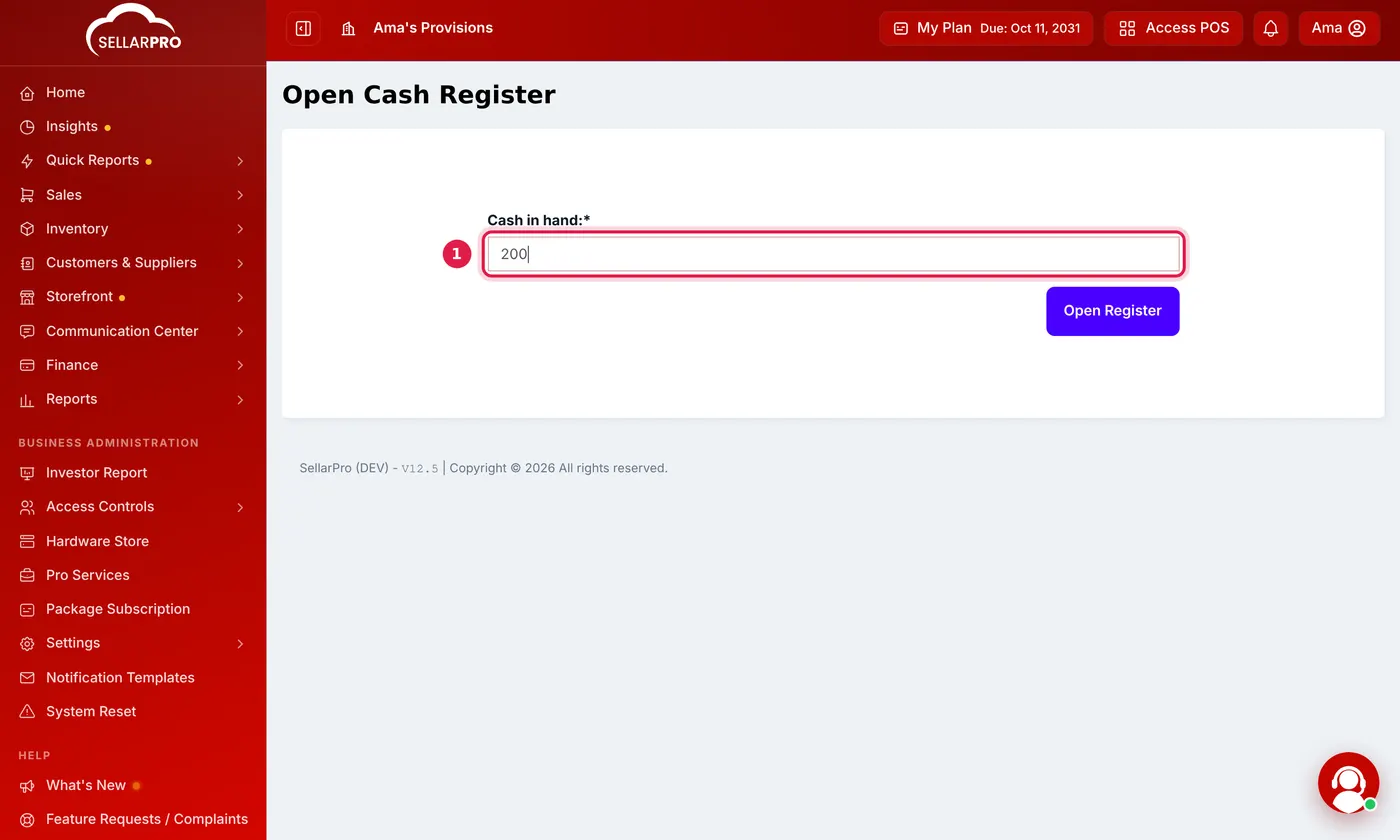
Type the float that is already in the drawer, then click Open Register.
During the shift
- Register Details in the POS top bar shows what the register has taken so far, by payment method.
- Add Expense in the top bar records money paid out of the drawer, so the count still balances.
Close the register
- Click Close Register in the POS top bar.
- Count all the cash in the drawer, including the opening float, and enter it in Counted Cash.
- Add a Closing Note if needed, and click Close Register. Print the close slip if you want a paper copy.
The close slip shows Total Sales, Credit Sales (unpaid), Due Payments Collected, and the cash section: Opening Float, Cash Sales, Cash Due Payments, Cash Refunds, Cash Expenses and the Expected Cash. Cashiers who are not allowed to view registers count blind; see How to Close a Cash Register with a Blind Count.
Review shifts as a manager
Open Reports → Registers. The register report lists every shift with what was expected and what was counted. The combined register report puts several tills side by side for one day.
Common questions
Why does the POS keep asking me to open a register?
The register has been open for days. Is that a problem?
Are MoMo and card payments in the expected cash?
Was this article helpful?
Thanks — your answer helps us improve this article.
Still need help?
Can’t find the answer you’re looking for? Our support team in Accra can help.