
All help topics
Help topics
- Getting Started
- Sales & POS
- Products & Inventory
- Purchases & Suppliers
- Customers
- Staff & Permissions
- Reports
- Branches
- Hardware
- Payments
- Settings
- Troubleshooting
- Billing & Subscription
- Workshop
- Training
- Sales Agents
- Laundry
- Accounting
- HR & Payroll
- Hotel
- Services
- Communication Center
- Online Store
- CRM
- Restaurant
- F&B Manager
- Production
- Projects
- Asset Management
- All topics
On this page
How to Get Paid for Online Store Sales
Short answer
Open Storefront → Payouts. Under Payout Account, choose your mobile money Provider, the Mobile money number and the Account Name exactly as registered, and save. Online payments are then settled straight to that wallet by Paystack. The page shows your revenue, what is paid and pending, and every payment.
When a customer pays online in your store, the money is settled to your own mobile money wallet. Tell SellarPro which one.
Set your payout account
- Open Storefront → Payouts.
- Under Payout Account, choose the Provider: MTN, Telecel or AT.
- Type the Mobile money number and the Account Name. The name must match the registered mobile money name exactly.
- Save.
From your next online sale, Paystack settles the money to that wallet directly.
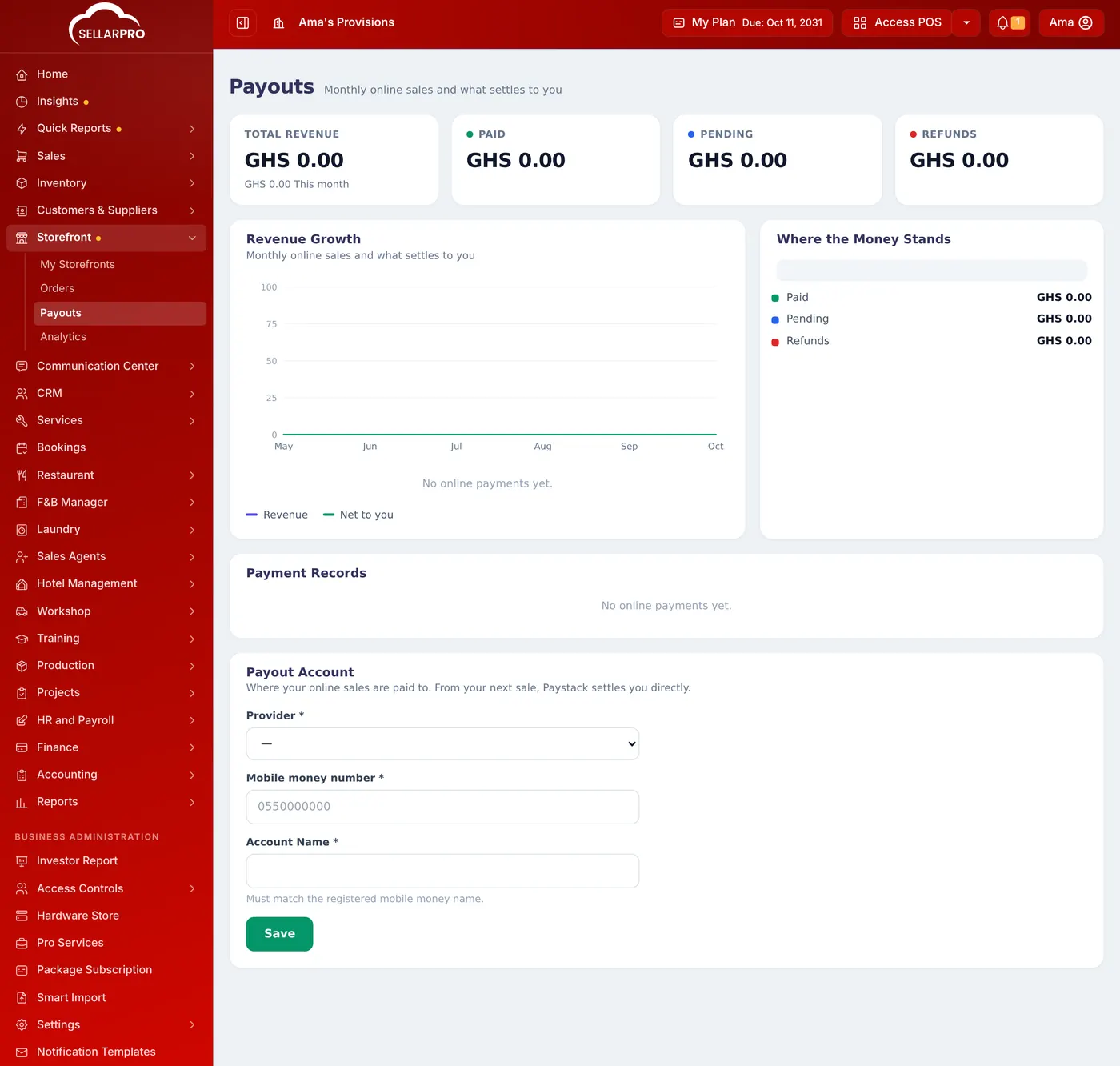
Follow the money
- Total Revenue, Paid, Pending and Refunds across the top.
- Revenue Growth: online sales by month and what was settled to you.
- Payment Records: every online payment.
Common questions
The account name was rejected.
It must be exactly the name the wallet is registered in, as shown when you send money to it.
Was this article helpful?
Thanks — your answer helps us improve this article.
Still need help?
Can’t find the answer you’re looking for? Our support team in Accra can help.